
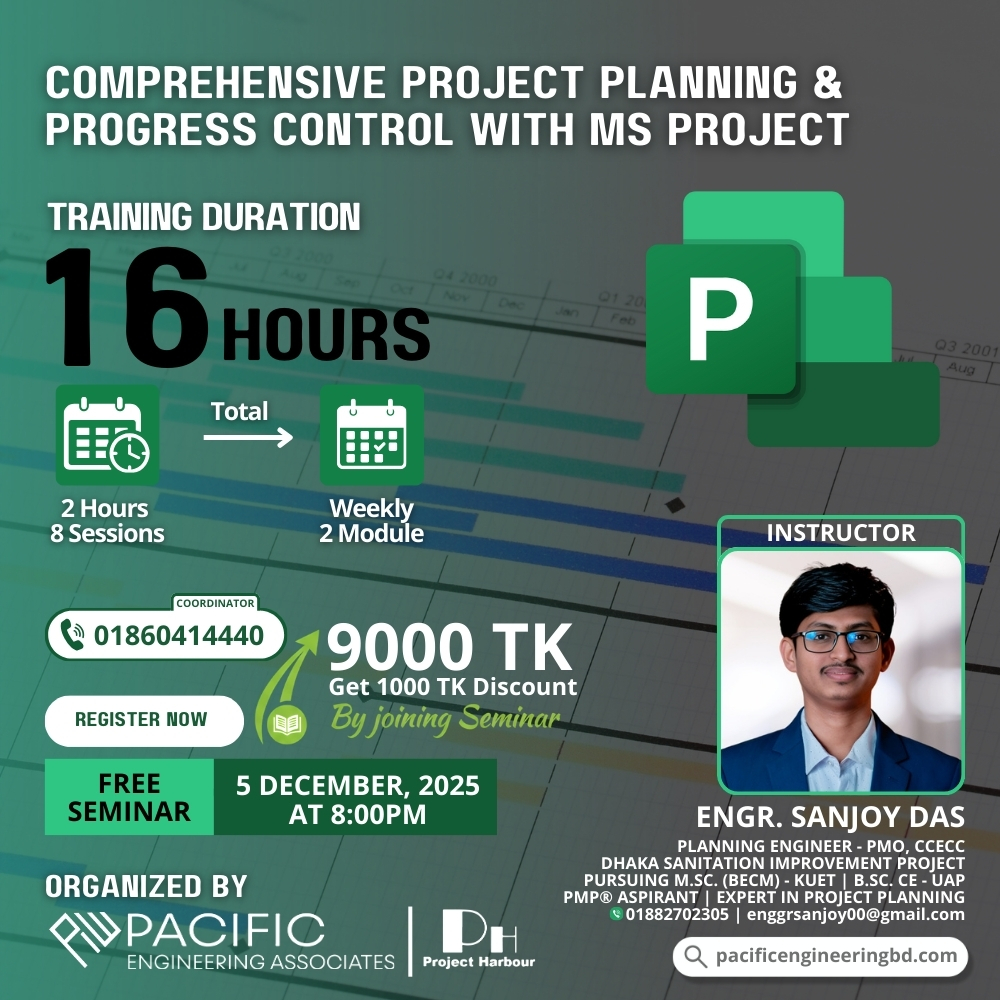
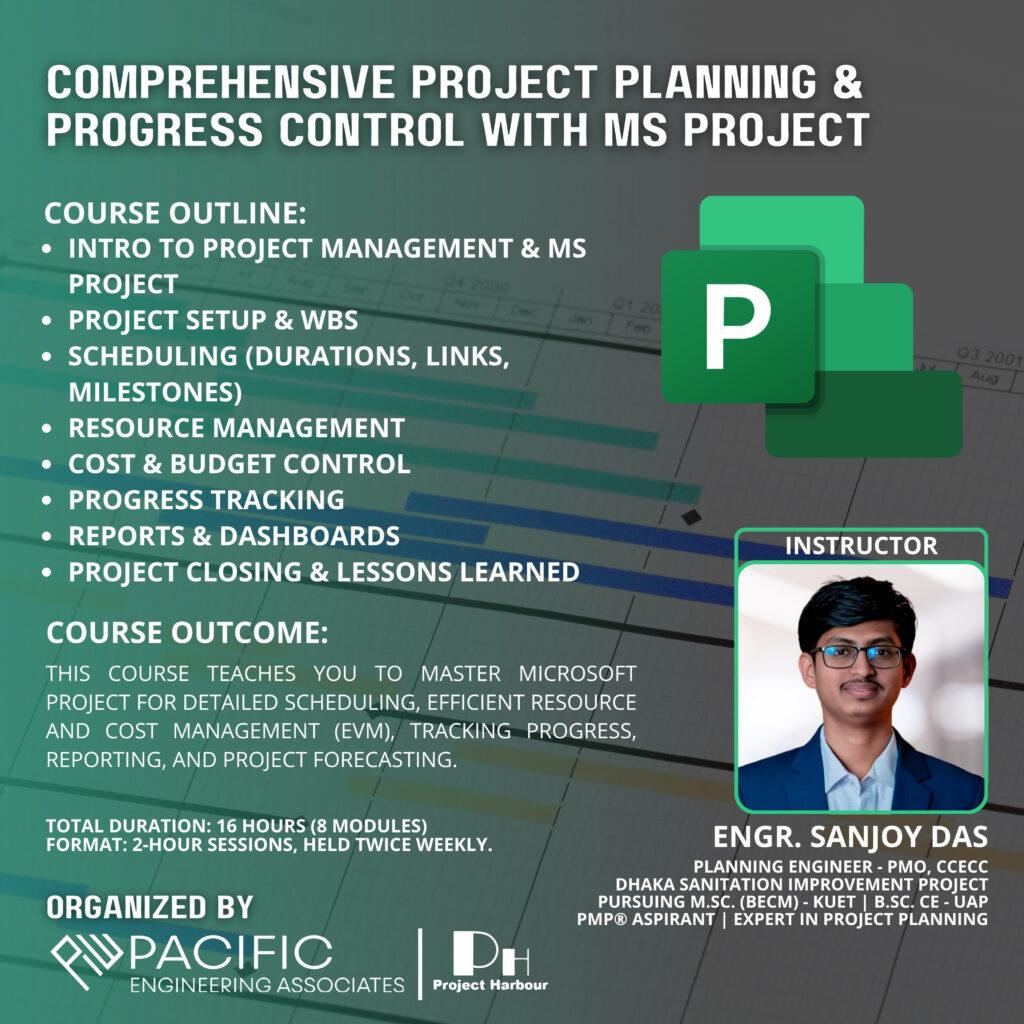
COMPREHENSIVE PROJECT PLANNING & PROGRESS CONTROL WITH MS PROJECT
Register Now
[wpforms id=”2519″]
Course Overview
This professional training program equips participants with the practical skills and in-depth understanding needed to plan, schedule, execute, and monitor projects effectively using Microsoft Project. Designed for engineers, planners, project coordinators, and project control professionals, the course blends theory with hands-on exercises to build job-ready competency in modern project management and MS Project workflows.
Course Outline
Module 1: Introduction to Project Management with Microsoft Project
Module 2: Setting Up Your Project and Work Breakdown Structure (WBS)
Module 3: Smart Scheduling – Durations, Dependencies & Milestones
Module 4: Powering Your Plan – Resource Planning and Management
Module 5: Controlling the Budget – Project Costs Management
Module 6: Keeping Projects on Track – Monitoring Progress and Performance
Module 7: Presenting Your Project – Reports, Dashboards & Communication
Module 8: Closing the Project – Finalization, Archiving & Lessons Learned
Key Learning Outcomes
• Create comprehensive schedules and WBS using MS Project
• Manage and level resources efficiently
• Apply cost-management tools including Earned Value techniques
• Track progress, forecast performance & generate reports
• Use MS Project as a complete project control and monitoring system
Course Delivery and Interaction
• Live interactive sessions with Q&A
• Step-by-step MS Project demonstrations
• Real-world case studies and project examples
• Access to slides, demo files & practical exercises
• Recorded sessions for post-training review
Course Materials
• Lecture slides & detailed notes
• Software resources and sample project files
• Access to recorded sessions
• Real project templates, datasets & hands-on materials
Module-Wise Course Content
SESSION 1: INTRODUCTION TO PROJECT MANAGEMENT WITH MICROSOFT PROJECT
• Fundamentals of Projects & PMBOK-Aligned Project Management
• Navigating MS Project Interface
• Creating, Saving & Managing New Project Files
SESSION 2: SETTING UP YOUR PROJECT AND WORK BREAKDOWN STRUCTURE (WBS)
• Project Life Cycle Overview
• Defining Scope and Using WBS Principles
• Creating, Structuring & Organizing WBS in MS Project
• Core Scheduling Setup
SESSION 3: SMART SCHEDULING – DURATIONS, DEPENDENCIES & MILESTONES
• Essentials of Project Schedule Management
• Understanding Task Dependencies & Logical Relationships
• Task Constraints, Milestones & Schedule Control Techniques
SESSION 4: POWERING YOUR PLAN – RESOURCE PLANNING AND MANAGEMENT
• Key Concepts of Resource Management
• Types of Resources (Work, Material, Cost)
• Assigning Resources, Conflict Resolution & Workload Visualization
SESSION 5: CONTROLLING THE BUDGET – PROJECT COSTS MANAGEMENT
• Cost Estimation & Budgeting Basics
• Introduction to Earned Value Management (EVM)
• Tracking, Comparing & Analyzing Project Costs
SESSION 6: KEEPING PROJECTS ON TRACK – MONITORING PROGRESS AND PERFORMANCE
• Setting Baselines & Generating S-Curves
• Updating Project Status & Progress Tracking
• Identifying Variances & Corrective Action Planning
SESSION 7: PRESENTING YOUR PROJECT – REPORTS, DASHBOARDS & COMMUNICATION
• Basics of Quality, Risk, Procurement & Stakeholder Communication
• Creating Visual Reports, Dashboards & Variance Analysis
• Professional Progress Reporting Techniques
SESSION 8: CLOSING THE PROJECT – FINALIZATION, ARCHIVING & LESSONS LEARNED
• Preparing Final Project Documentation
• Administrative Project Closure
• Lessons Learned, Review & Knowledge Transfer
Contact Info
Call Us
+8801576802483
Our Email
pacificengineeringbd7@gmail.com
Our Location
1078, Abbas Garden, Shahjadpur, Dhaka-1212.